Capture Your Photos Blog
Featured
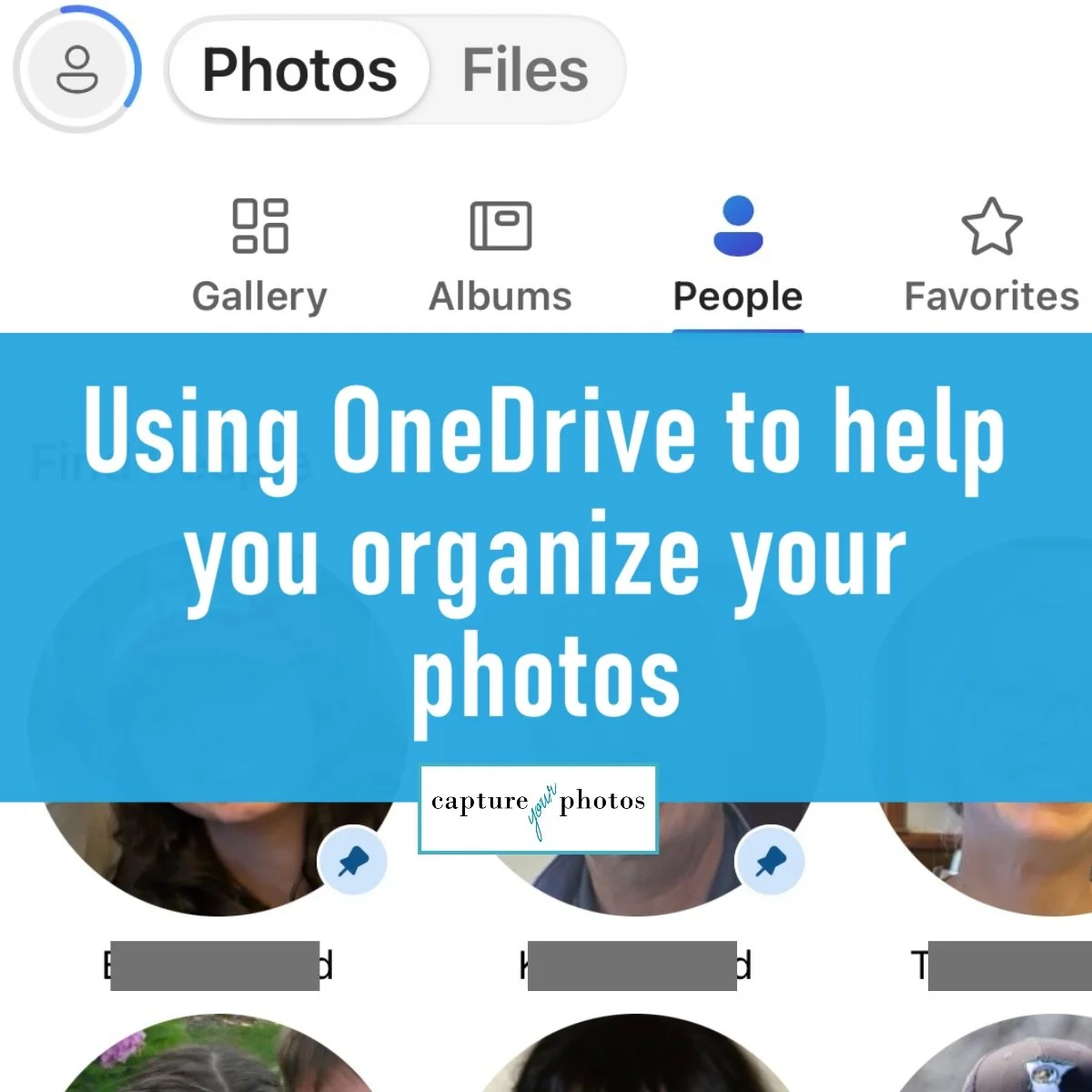


In the most recent Microsoft Windows 11/OneDrive update, Microsoft added 2 new OneDrive features that I’m so excited to talk about, including facial recognition and a needed filter in the Pictures folder. In this blog, we’ll cover these new features, along with my favorite Camera Roll function that I recommend daily to PC users.
Every family has a story, but without care and intention, a family’s memories can easily get lost in the shuffle of thousands of digital photos, boxes of printed memories, and forgotten videos. Smartphones have revolutionized the way we capture our lives, but they’ve also created gaps that we’re still learning how to fill when it comes to taking care of and preserving what truly matters. Creating a Legacy Collection can help fill those gaps.
Have you ever worried about whether the things you store or share online are safe, or wonder who has access to them? In some ways, the online world is still the Wild, Wild West. Many of us have blindly trusted this newish landscape and unfortunately have been bit because of it. Here are some things to consider that will help you protect your privacy and keep your memories safe and a fun tip for capturing your social feed memories.
When it comes to organizing your photos in today’s digital world, I subscribe to the ‘less is more’ philosophy. Less organizational structure and fewer photos. In Part 2 of this blog series, we’ll talk about the value of decluttering your photo collection and some easy and fast ways to do it.
When it comes to organizing your digital photos in today’s digital world, I subscribe to the ‘less is more’ philosophy. Less organizational structure and fewer photos. In Part 1 of this series, we’re going to focus on how to simplify your organizational structure. One of the main goals when setting up your digital photo library should be to help you find things quickly and easily.

Have you ever stumbled across an old photo and wondered, “Where was this taken?” Turning Location Services on for your camera is one of the simplest ways to tag and future-proof your photo memories. It’s like writing on the backs of your photos. Here’s how to do it safely and with privacy top of mind.